
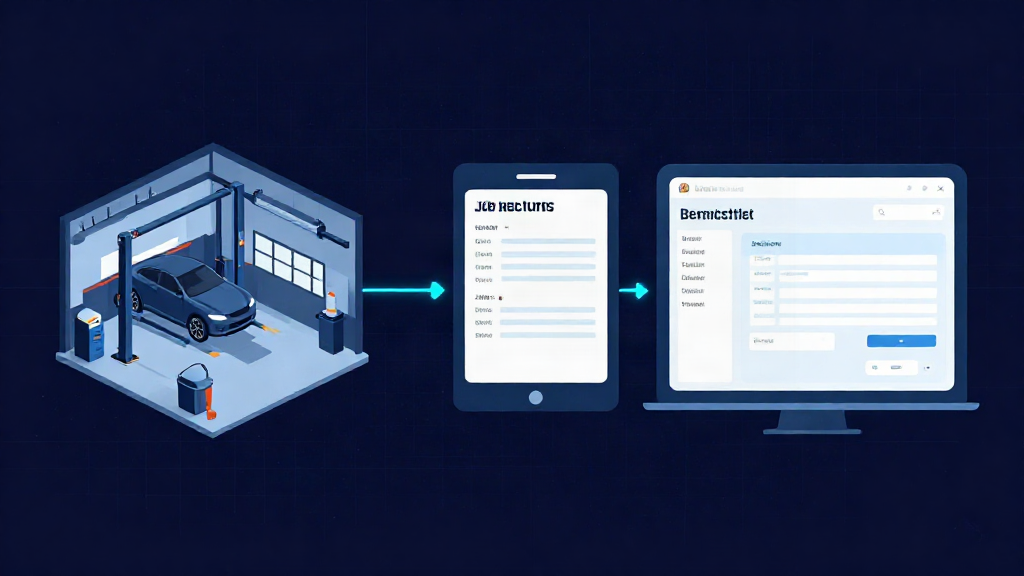
Job status goes missing in most busy garages for the same reason: it lives in people’s heads, on a paper job card that only one person can see, or in a message thread nobody has time to scroll. If you run a garage with three to six technicians, you know the feeling. You walk the floor to find out where a car is up to, because asking is quicker than looking.
This guide is a practical way to track job status in your workshop without chasing technicians for updates. It covers why status slips, what it actually costs you, a simple five-stage system you can run tomorrow, and how to keep the whole team on the same page from booking to invoice.
Why job status goes missing in a busy garage
Status rarely goes missing because anyone is careless. It goes missing because the system holding it was never really a system. A job card sits on a bench, a note gets typed into a spreadsheet at the front desk, a technician sends a photo on WhatsApp, and the service adviser keeps the rest in their memory.
At three to six technicians, that informal approach breaks in a specific way. There is enough work volume that jobs overlap and get handed over constantly, but the team is still small enough that nobody owns the process. Everyone assumes someone else knows where the car is up to, and the customer is the last to find out.
The handover between front desk and technician is where status is lost. The job is booked with one person, worked on by another, and invoiced by a third. Unless there is a shared record that updates as the job moves, each person is working from a different version of the truth.
What unclear job status actually costs you
When nobody can see status at a glance, the cost shows up in predictable places. Bays sit idle while a technician waits for an answer that was already given. Someone re-keys the same details from the job card into an invoice. The customer rings for an update that nobody can give with confidence.
There is also the admin that spills past closing. Updating records, chasing approvals and tidying job cards after hours is time you are not getting paid for. None of this is a dramatic failure. It is a steady drip that quietly eats capacity in a workshop that is already busy.
A simple status system that works on a busy floor
The fix is not a complicated workflow. It is a small set of clear stages that every job passes through, visible to everyone, updated in one place. Five statuses cover almost every job in a typical garage.
Booked
The job is on the diary with a time, vehicle and customer. Nothing has started, but the whole team can see it coming. This is where parts and vehicle details can be checked before the car arrives, so the bay is not blocked on the day.
In progress
A technician is on the job now. This is the status that answers the customer’s most common question without anyone walking the floor. When it is visible on a shared job sheet, the front desk can answer with confidence.
Waiting on parts or approval
The job is paused, and the reason is recorded. Waiting on parts and waiting on customer approval are very different problems, so keep them clear. A workshop that can see what is stuck and why can chase the right thing instead of guessing.
Ready for collection
The work is done and checked. The customer should be told now, while the car is fresh in their mind, so the bay can be freed up. Miss this stage and you lose paid capacity to a car sitting on site.
Invoiced
The job is complete, the invoice is raised, and payment tracking starts. Handing this straight off from the job sheet saves re-keying the same details a second time.
Keeping the whole team on the same page
A status list is only as good as the record behind it. If the stages live on a whiteboard or in one person’s diary, you are back to chasing. The point of a connected job sheet is that the same job record carries the details from booking and quote through job sheet, invoice and payment tracking.
That means the technician can update progress from a phone or tablet at the vehicle, without walking to the office. The service adviser sees the same status at the front desk. Handovers become a glance at the record rather than a conversation across the workshop, and both people are looking at the same thing.
This is the core of how Workshop Pulse is built: your whole workshop, one simple app, one job record from booking to invoice. It is designed for exactly this size of garage, where a team of three to six needs a shared view without adopting something heavy.
How to set it up without disrupting the workshop
Start with the five statuses above and resist adding more on day one. Agree who sets each one: usually the front desk on booked, the technician on in progress and waiting, and the front desk on ready and invoiced. Ambiguity over who updates what is what makes a system drift.
Then run it on one real job, not a trial project in the background. Pick the next booking coming through and move it through every stage as a team. You will spot the gaps in a single afternoon, and you will have proof on a real job before you change anything else. Once that workflow is clean, it is a short step to the rest of the diary.
Mistakes that keep status messy
Too many statuses is the most common one. If a technician needs to think about which of twelve stages applies, they will not update it. Keep the list short enough to use without thinking.
A close second is status that nobody owns, so it only gets updated when someone remembers. The third is a system only the front desk can see. If technicians cannot update a job where they are standing, the record will go stale by lunchtime, and you will be back to walking the floor.
Where to go from here
You do not need to rebuild your whole workshop to fix this. Pick the five statuses, put them in one shared place, and run one job through them from booking to invoice. If you would rather see how a connected job sheet handles that workflow first, a real person can walk you through it on a guided phone demo, answer your questions, and help you judge whether it fits your garage before you commit to anything.
Book a guided phone demo at https://workshoppulse.co.uk/#demo and we will arrange a time that suits the workshop, not a sales script.
Workshop Pulse
Run your whole workshop from one app.
Bookings, job cards, video inspections, invoicing and parts in one place. 14 days free. No card required; £0 today. Your trial starts only when your workshop is ready to use.